The Kit

Hardware + software.
A complete design-to-life system.

Two components, one loop: a DIY laser printer you assemble yourself, and a software system that takes your design all the way to a living fungus print on an agar plate.

Part 01 · Hardware

Three physical components

The machine, the organism, and the substrate — everything physical you need to run a living print.

  • DIY low-power laser printer kit
  • Mucor culture
  • Agar growth medium
Part 02 · Software

End-to-end control system

From pattern design to laser path to living output — all in one integrated flow.

  • Pattern design interface
  • Laser path generator (G-code)
  • Printer control & communication
  • Growth simulation preview (NCA)
Part 01 · Hardware

Build it. Grow it. Own it.

Component 1

DIY Laser Printer Kit

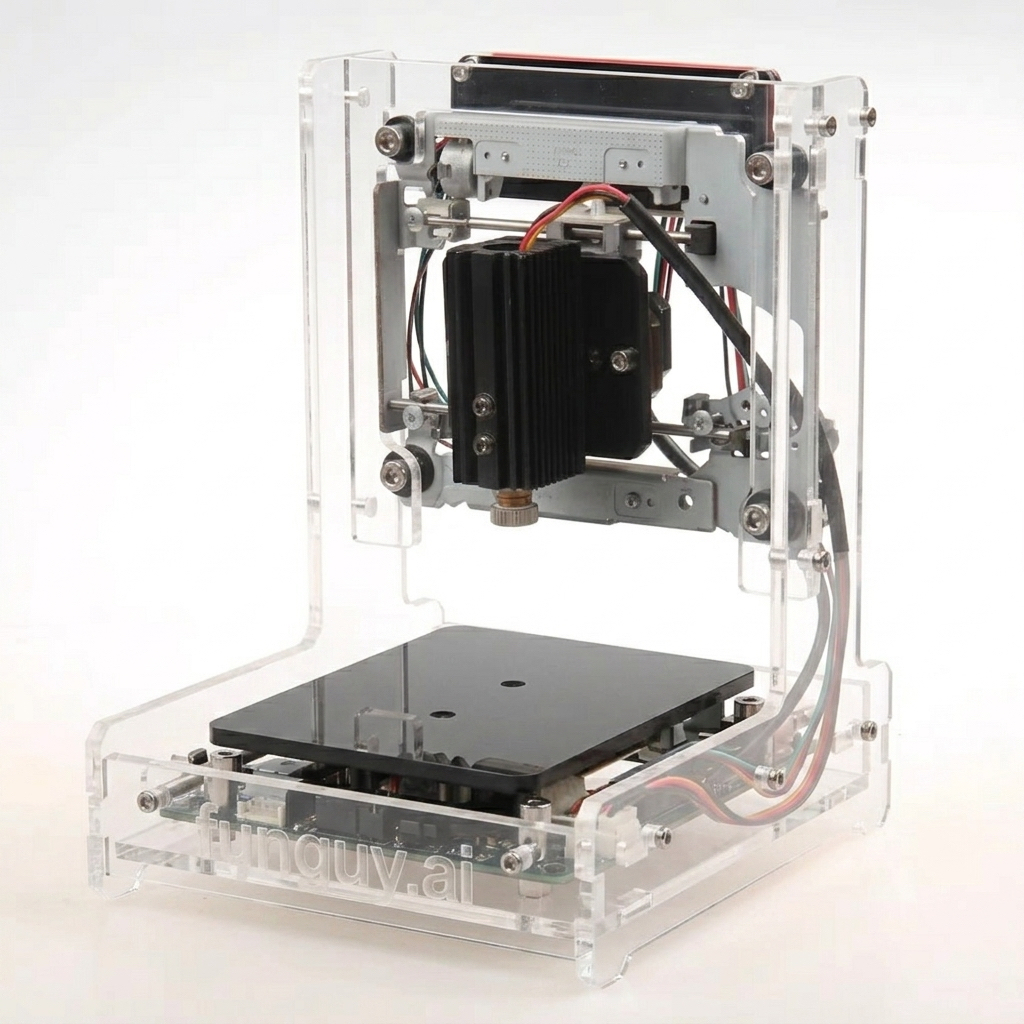
This is the part most kits skip: you build the actual machine. Every screw, every motor mount, every cable — assembled by you. When the first laser moves on command, you know why it moves, because you put it together.

The printer is a compact, low-power laser engraver specifically calibrated for agar plate dimensions. Once assembled, it becomes the tool for every fungal print you make.
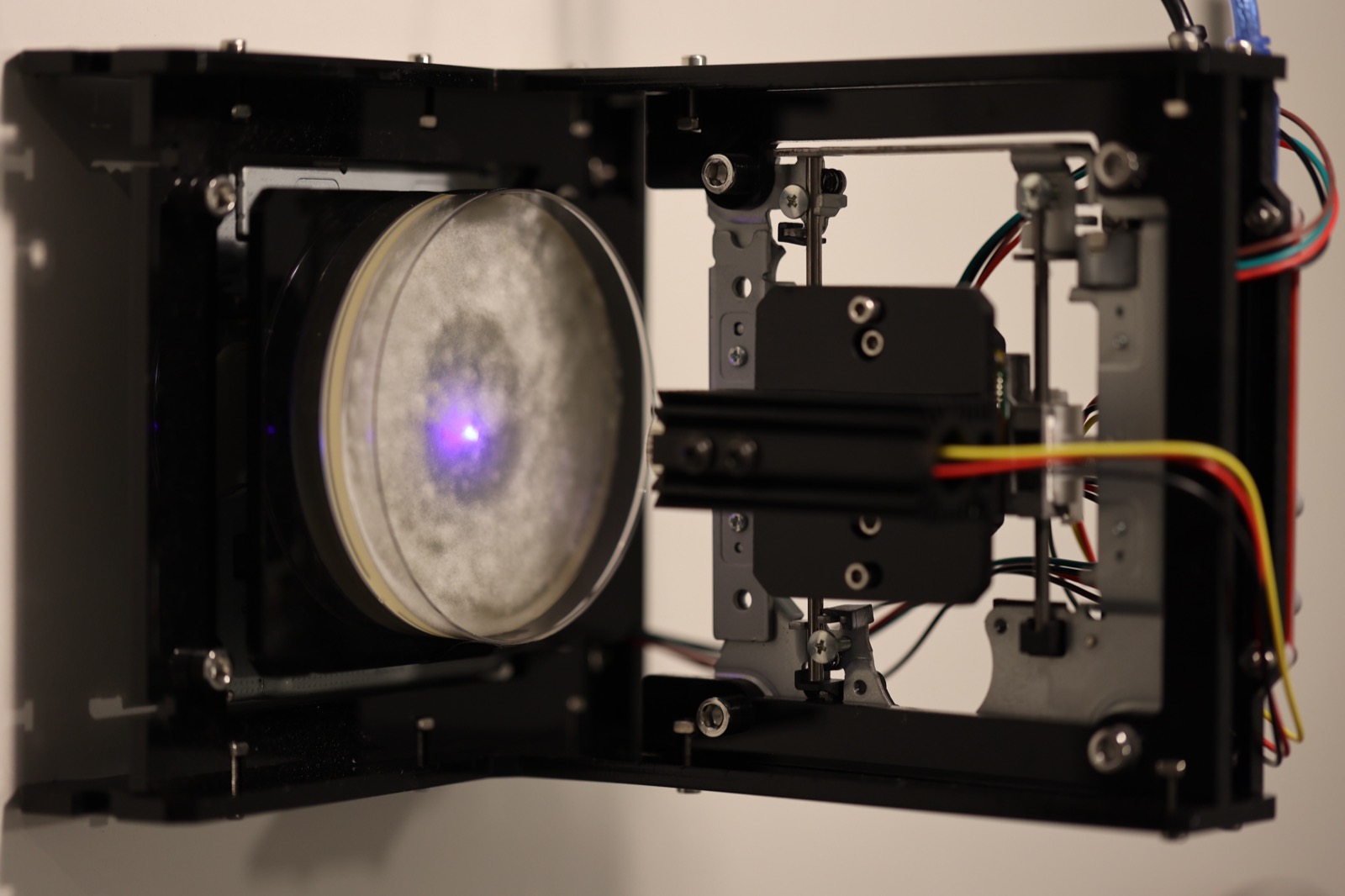
  • Low-power, eye-safe laser — designed for safe use with protective eyewear (included).
  • Stepper motors + frame — a real two-axis CNC mechanism you learn by building.
  • Controller board — USB-connected, communicates directly with the software.
  • Step-by-step assembly guide — illustrated, no prior experience needed.
  • No soldering required — connector-based, beginner-friendly assembly.
~2–3h to assemble USB-C powered Fits standard petri dish sizes
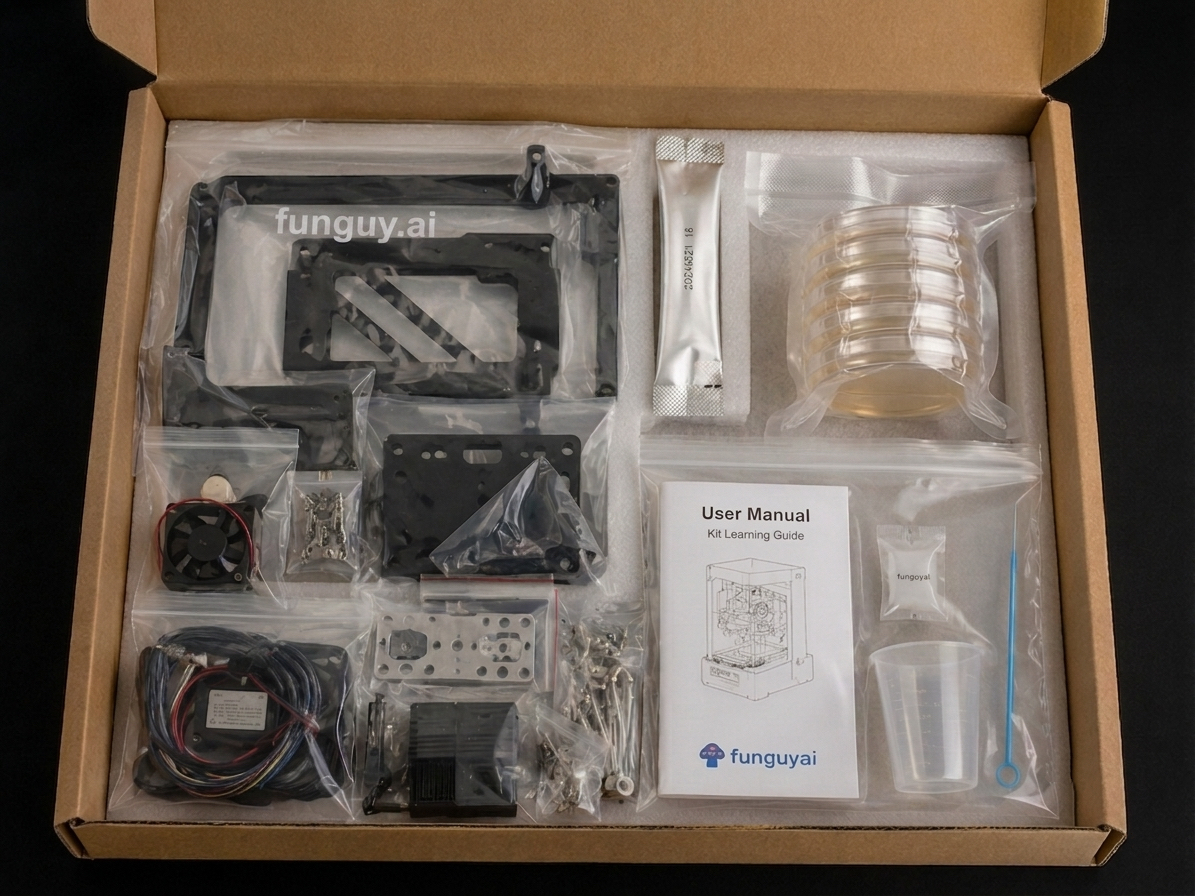
Mycelian Micro kit unboxing — all components in shipping box
Everything in the box · all components
Mycelian Micro DIY laser printer assembled and ready to print
The assembled machine · ready to print
Blind box

4 colors. You won't know which one arrives.

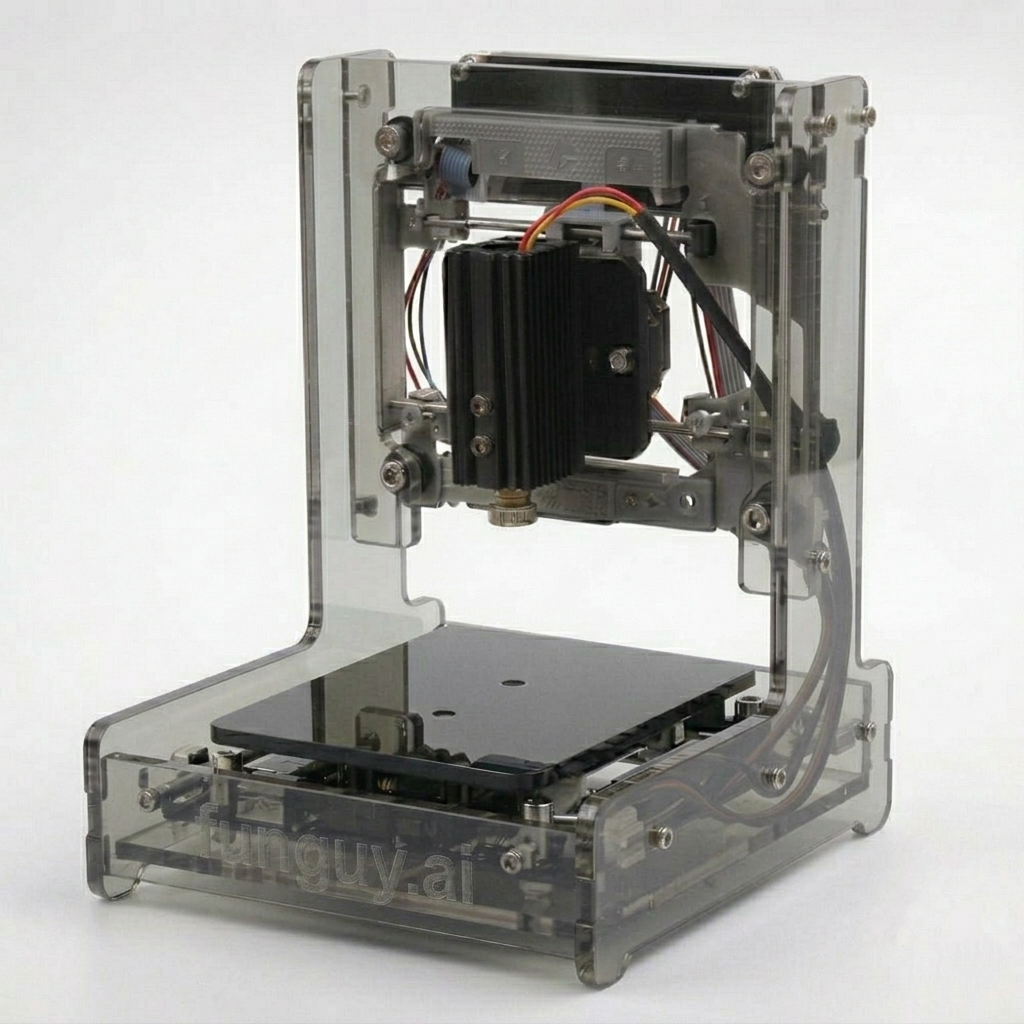
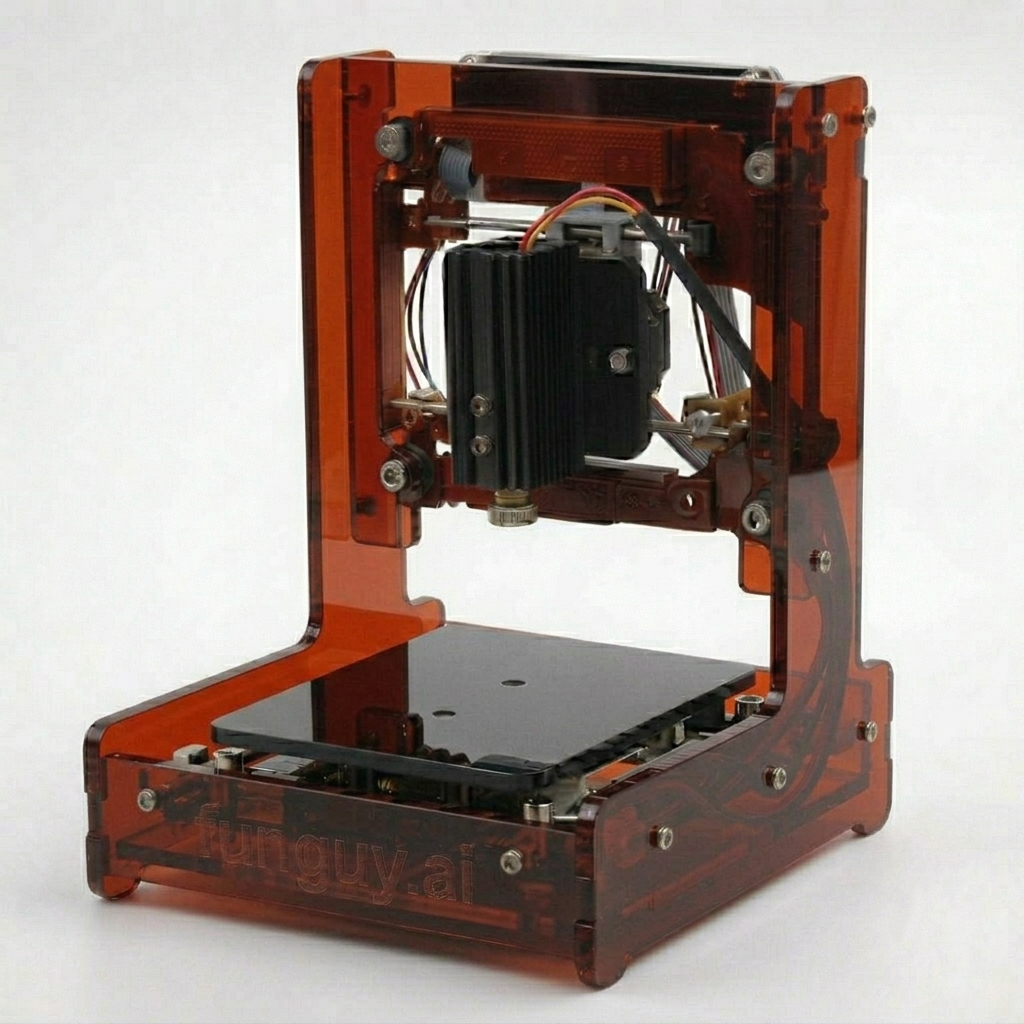
The acrylic enclosure ships as a mystery color — every order is a small surprise. The hardware inside is identical across all variants.

Series 01 — Available now
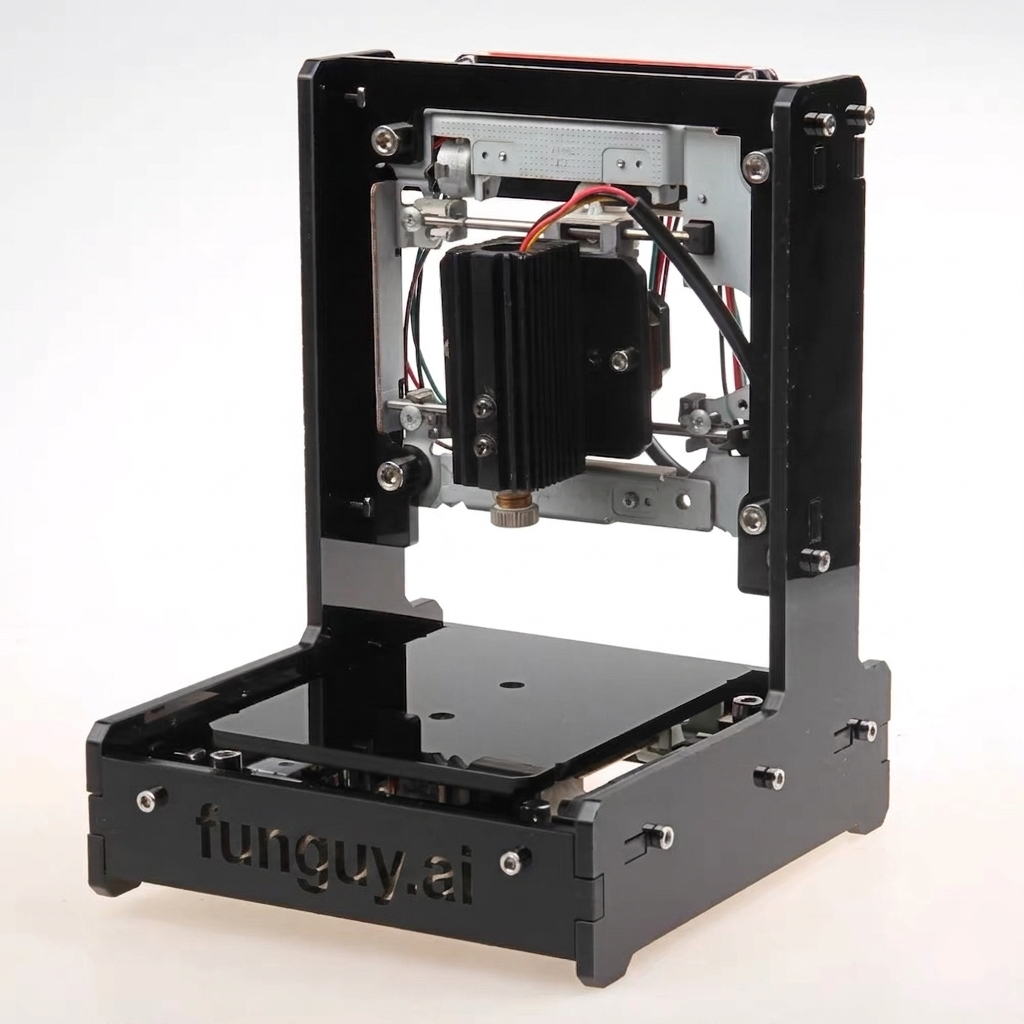
Black acrylic enclosure
Obsidian Black
Clear transparent acrylic enclosure
Crystal Clear
Smoke gray acrylic enclosure
Smoke Gray
Amber red acrylic enclosure
Amber Red
Component 2

Mucor Culture

Mucor is the organism at the center of Mycelian Micro. A fast-growing, food-safe fungus used in traditional fermentation (the same genus behind fermented tofu and tempeh), it forms dense white branching networks visible to the naked eye in 24–48 hours.
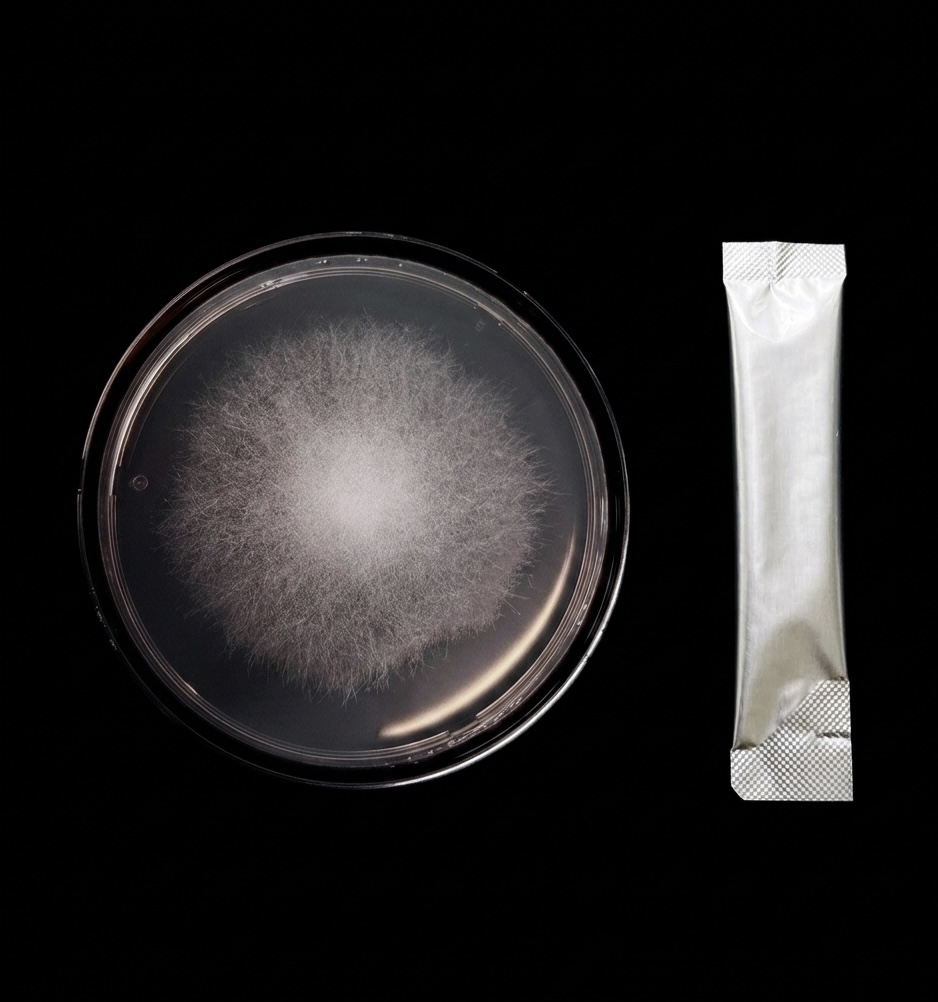
  • Edible & food-safe — used in traditional East Asian fermentation for centuries.
  • Photophobic — growth is actively inhibited by light, making laser containment work.
  • Fast & visible — results appear within 24–48 hours.
  • Replicable — kit includes multiple cultures for repeated prints.
White Mucor fungus growing across agar plate surface
Mucor fungus · white branching growth on agar
Component 3

Agar Growth Medium

Nutrient agar is the canvas. Pre-measured powder packets mix with boiling water and set into a transparent gel — a sterile, nutrient-rich surface the fungus uses to grow. The kit uses standard petri-dish-format plates that fit directly under the laser.
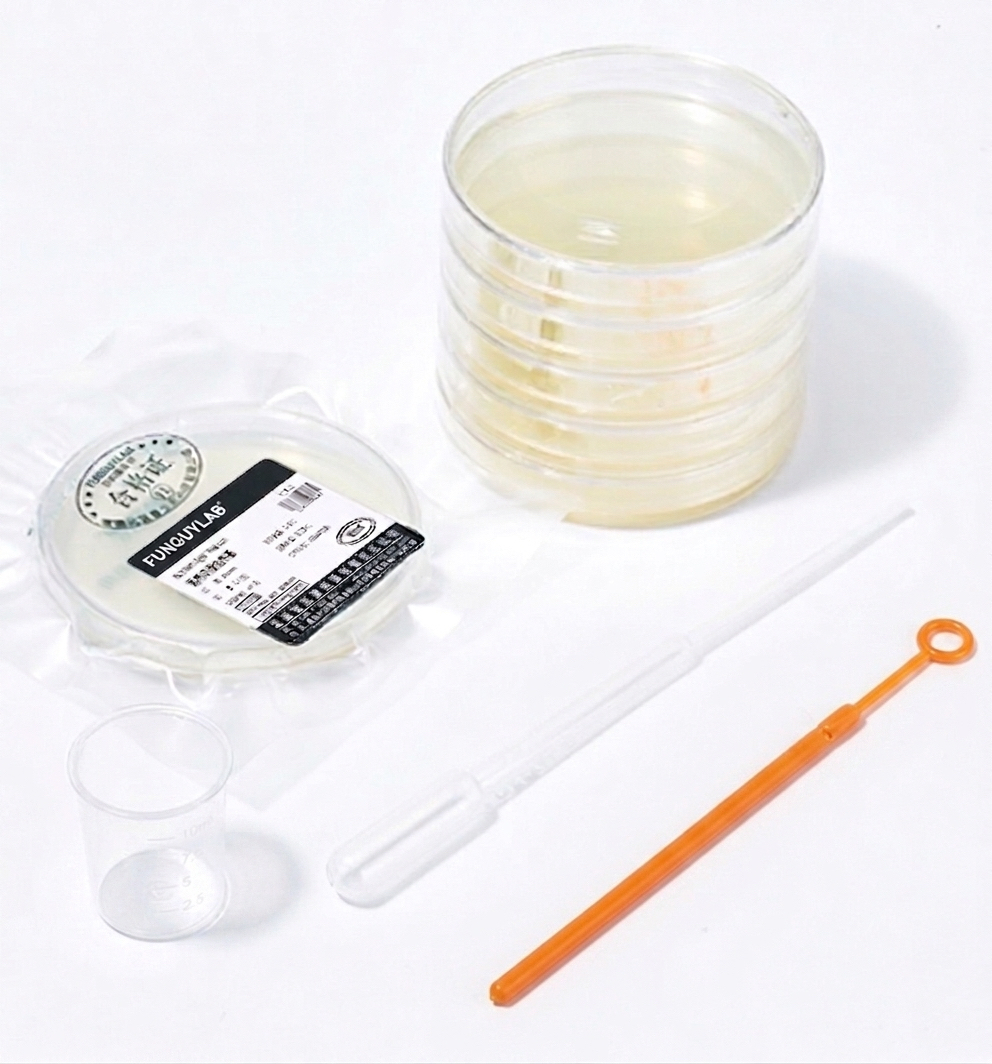
  • Pre-measured packets — mix, pour, and set in under 30 minutes.
  • Standard petri-dish format — fits the printer's print area exactly.
  • Multiple plates included — enough to iterate and experiment.
  • Compostable after use — environmentally responsible disposal.
Agar plate prepared and ready for inoculation
Agar plate · prepared culture substrate
Part 02 · Software

From sketch to living print,
in one integrated flow.

The control system is one continuous experience — design, preview, send, and watch. No switching between tools, no separate apps, no command line.

Design your pattern

Draw freehand in the canvas, import an SVG or image, or choose from built-in templates (letters, shapes, gradients). Any design becomes a printable fungal pattern — the software handles the translation.

Preview with the growth simulator

Before printing, see a simulation of how Mucor will grow into your pattern — based on the neural cellular automaton from our research. Adjust density, laser intensity, and timing to tune the expected result.

Generate the laser path

One click converts your design into a precision G-code laser path — accounting for plate dimensions, laser speed, and the inhibition zones your design requires.

Send to your printer

The software communicates directly with the controller board via USB. Hit print, and the machine you built runs the job. Then wait — the fungus does the rest.

Mycelian Micro software interface: pattern design canvas and laser control panel
Mycelian Micro control software · design + preview + print

Software features at a glance

  • Pattern design canvas — freehand, SVG import, or templates.
  • NCA growth simulator — preview the expected fungal growth before printing.
  • G-code generator — automatic conversion, no manual path editing.
  • USB printer control — direct communication with the controller board.
  • Print log & history — track every run, settings, and outcomes.
  • Runs on Mac, Windows, Linux — no cloud, no account, works offline.

Software updates are free for all kit owners. Additional templates and simulator improvements ship as new patterns are validated with real Mucor growth data.

Safety

Low-power by design

Two safety considerations matter: the laser and the fungus. Here's the full picture on both.

Goggles required

405 nm wavelength-specific safety goggles ship with every kit. Worn during every print — no exceptions.

20 mW · Class 3B laser

Powerful enough to inhibit fungal growth; far below cutting or engraving lasers (typically 5,000–40,000 mW). Cannot ignite agar or burn skin on brief contact.

Edible organism, sealed culture

Mucor is the same fungus used in traditional fermented foods. Keep the culture dish sealed at all times — standard hygiene is all that's needed for healthy users.

Full safety information & Q&A →

Ready to build your printer?

Reserve your kit from the first production batch.

See pricing & pre-order →